Update your card and find receipts
Last updated
Change the card your plan is charged to and open a receipt for any payment.
- Who can do this
- Owners
- Where to find it
- Settings, then Billing
For the owner, Billing shows the card your plan is charged to: the card brand, its last four digits and when it expires.
Update your card
Open Settings, then Billing.
Choose Manage payment method. Stripe's billing page opens.
Change the card there and return to RedStick Booking.
The button is unavailable before your first payment. It says "A payment method is set up the first time you pay."
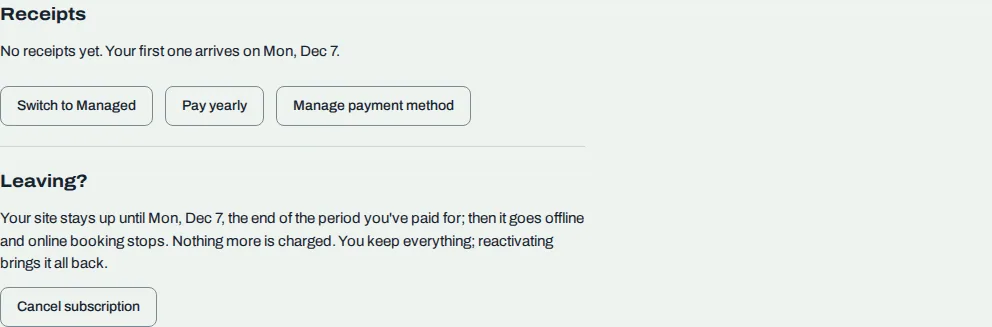
Find a receipt
Under Receipts, every payment is listed newest first with its Date, Amount and Status. Choose View receipt to open it. A status is Paid, Payment due, Voided or Not collected.
Before your first charge, Receipts says "No receipts yet" and gives the date your first one arrives.
Related
Was this article helpful?
No
Still stuck? Contact us.