Set up customer payments with Stripe
Last updated
Connect a Stripe account in your name so customers can pay deposits and fees when they book, and so payouts reach your bank.
- Who can do this
- Owners
- Where to find it
- Settings, then Payments and policies
Customers can only pay online once your business has its own Stripe account connected. Stripe holds the account in your name, with a full Stripe dashboard, and pays what customers pay straight into your bank account.
Connect your account
Open Settings, then Payments and policies.
Choose Set up customer payments. Stripe opens in the same window.
Answer Stripe's questions about your business and add the bank account you want payouts to reach.
Stripe sends you back to Payments and policies.
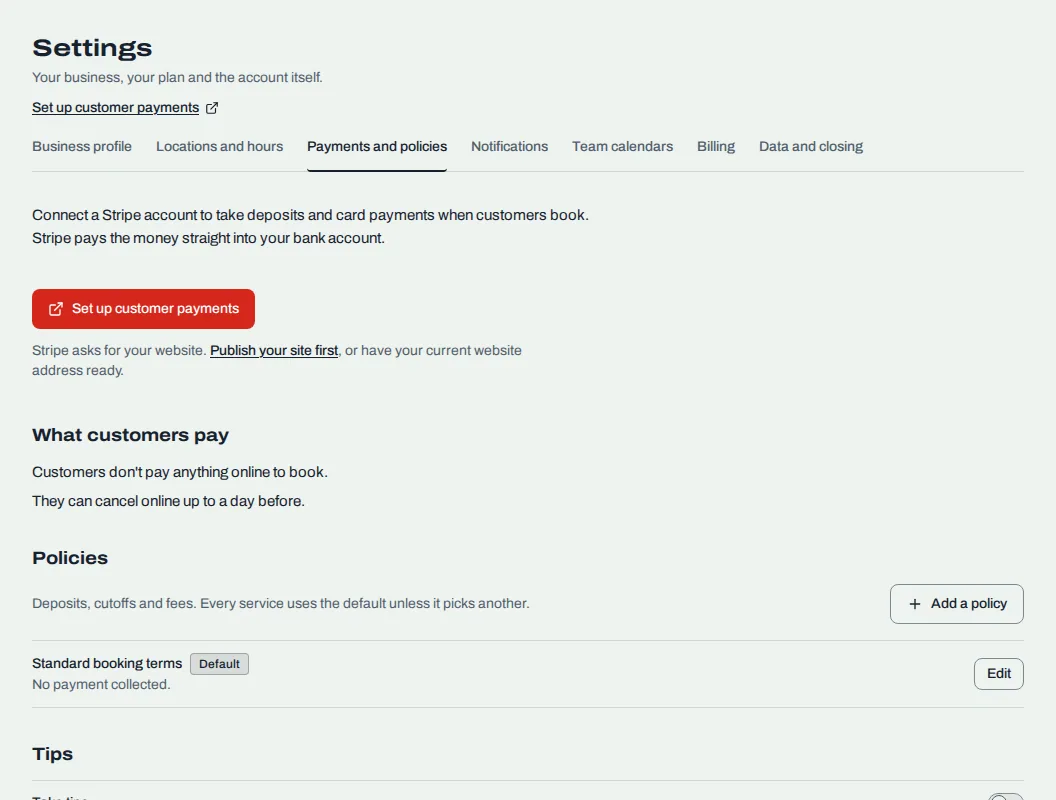
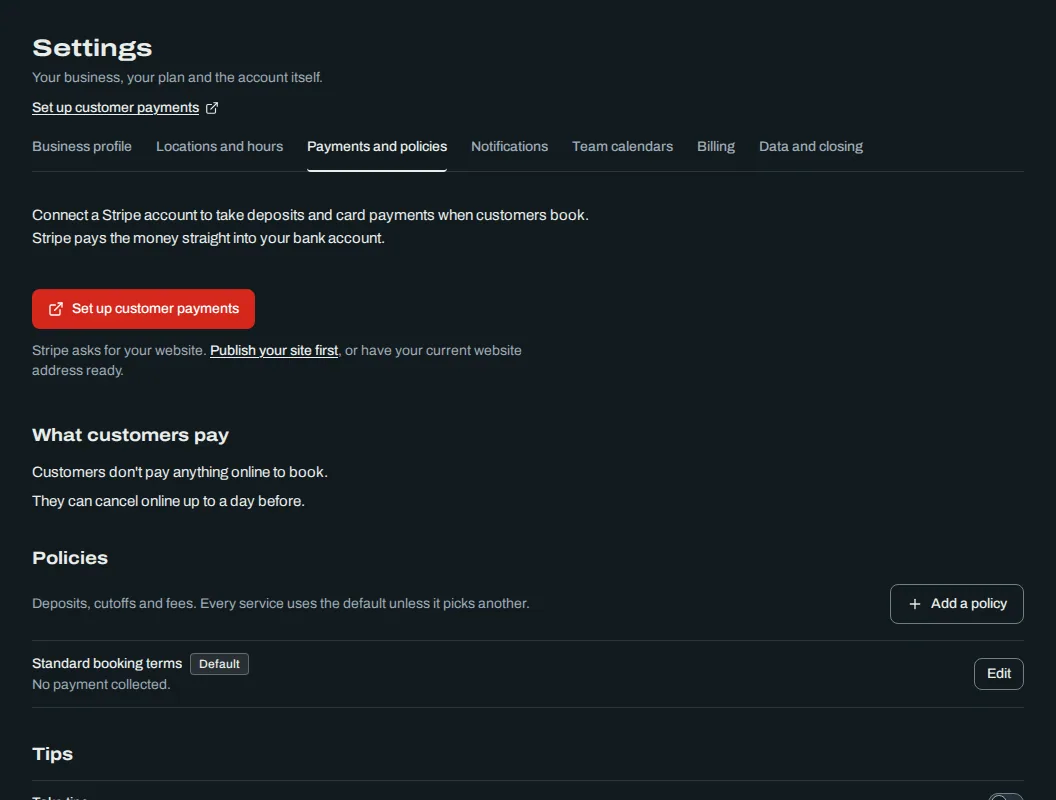
If you stop partway, the button reads Continue setup and the page says "Stripe needs a few more details before you can take payments." A line under Your Stripe account names what Stripe still wants, such as the bank account for payouts or a photo of your ID.
When Stripe is checking
After you finish, the page says "Stripe is checking your details." This usually takes a few minutes and needs nothing from you. The page refreshes by itself. You can also choose Check with Stripe again.
When it is done the page says "Customers can pay online." Under Your Stripe account, Card payments and Payouts to your bank both read On, and Last checked shows when we last asked Stripe.
What you see after
Open Stripe dashboard opens your full Stripe account in a new tab, where you can manage payouts, receipts and disputes.
What customers pay lists, in plain sentences, what each of your services asks for. You change those rules in Set deposits and card on file and Set a cancellation and no-show policy.
If your account carries a RedStick Booking fee on each charge, it shows as RedStick fee. Tips never carry a fee.
If the page says online payments are paused, disconnected or not included in your plan, refunds still go through. Contact us to turn payments back on.
Once payments are connected, you can take tips at the desk and refund payments. See Take and refund tips and Refund a payment.
Related
Was this article helpful?
No
Still stuck? Contact us.