Answer a booking request
Last updated
Approve a request, approve it at another time, or decline it. Requests wait in the Inbox until you answer.
- Who can do this
- Owners, admins and managers; staff, for their own
- Where to find it
- Inbox, then Requests
A service can be set to You approve each request instead of Books instantly. When a customer asks for one, the request waits here and shows dashed on the calendar until you answer.
Read the request
Open Inbox, then the Requests tab. Each row says who asked, for what service and with whom, the day and time, and the price if there is one. The line under it says how long ago they asked and when the request expires. Soonest to expire comes first. A note from the customer appears in quotes. A business that goes to its customers also sees where to meet and a phone number.
The Inbox heading tells you how many requests expire today.
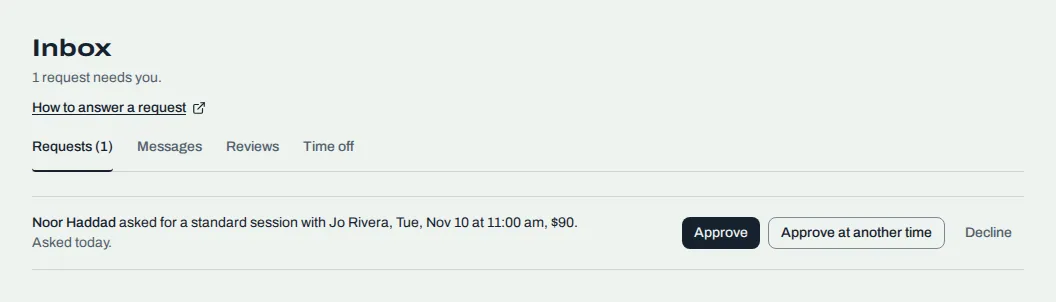
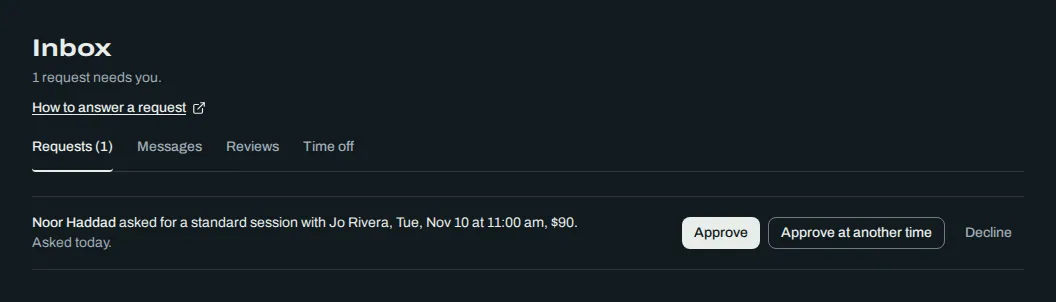
Approve
Choose Approve on the row.
In the box titled "Approve Dana's request?", add a note if you want. It goes in the email that confirms the booking.
Choose Approve. The time is confirmed and we email the customer.
If the service takes a deposit after approval, the booking is held until the customer pays it. The calendar shows it hatched.
Approve with a quote
When a service has Price set on approval, the button opens a box titled "Quote Dana". Enter Your price, add a note if you like, then choose the button. It names your price, as in Approve for and the amount you entered.
Approve at another time
If you cannot do the time they asked for, choose Approve at another time. Pick the Date and Time, add a note, and choose Approve at another time again. This approves the request at the new time and emails them, so check the new time with them first.
Decline
Choose Decline.
Add a reason under "Tell Dana why" if you want. It goes in the email that tells them their request did not work out.
Choose Decline request. Choose Keep the request to go back.
The customer keeps nothing on the calendar.
When the row says a manager answers it
Staff answer requests for their own time. Some requests are left for an owner, admin or manager, and the row says so:
"A manager answers requests for anyone available."
"A manager answers requests that need a price quote."
"A manager answers requests that involve more than one person."
Related
Was this article helpful?
No
Still stuck? Contact us.