Add booking to another website
Last updated
Paste a snippet into a website you built elsewhere to show a booking button, class timetable or packages. It works while your RedStick site is unpublished.
- Who can do this
- Owners and admins
- Where to find it
- Website, then Booking button
If your website is built somewhere else, you can still take bookings through RedStick Booking. You paste one snippet into the page where you want it.
Choose what to show
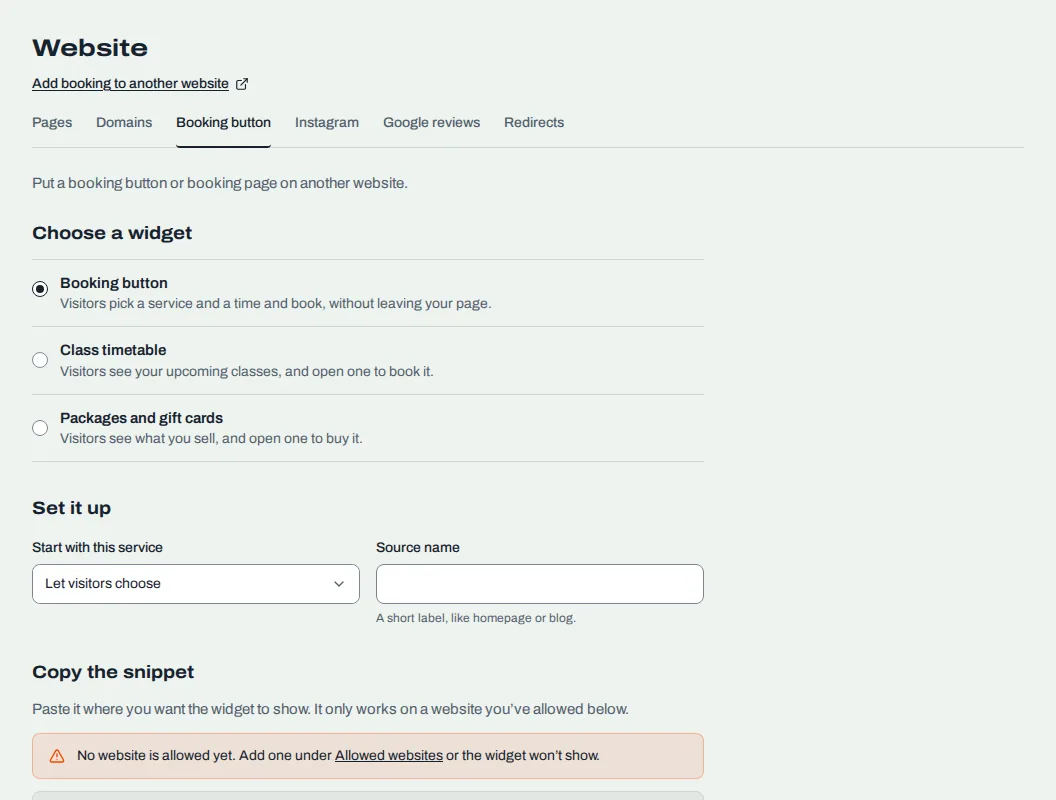
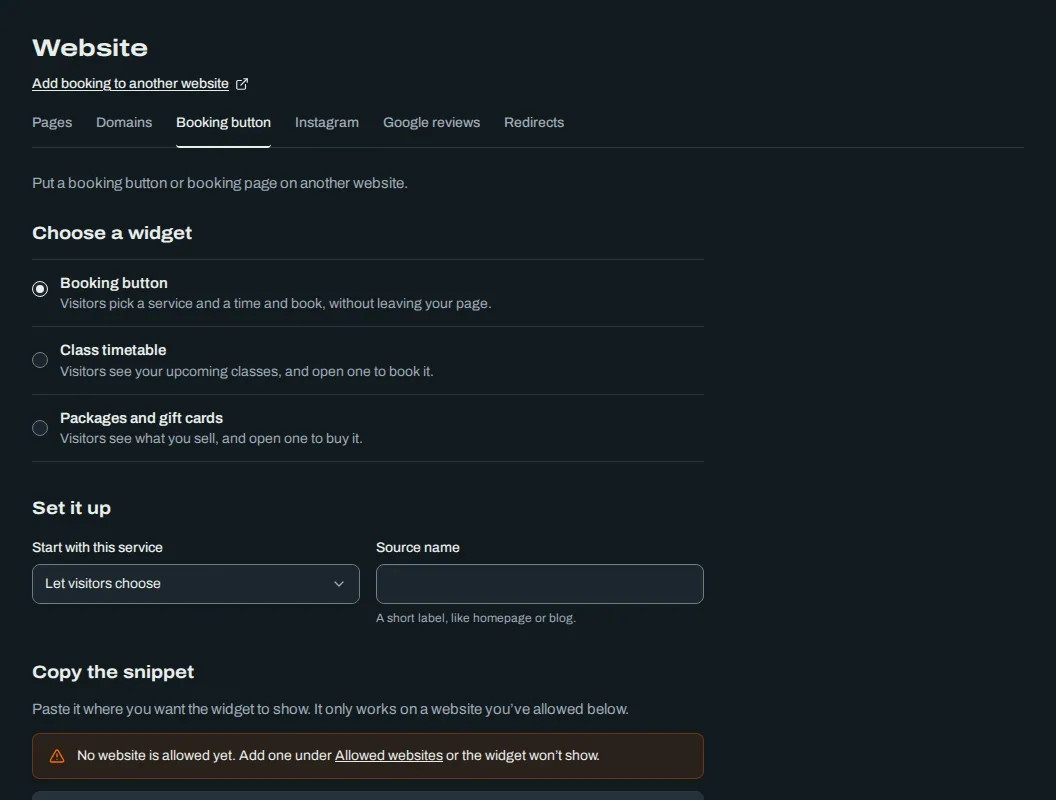
Open Website, then the Booking button tab.
Under Set it up, choose a Widget:
Booking button: visitors pick a service and a time and book, without leaving your page.
Class timetable: visitors see your upcoming classes and open one to book it.
Packages and gift cards: visitors see what you sell and open one to buy it.
Set the options. For the booking button, Start with this service lets you begin on one service, or Let visitors choose. For classes, choose a Layout, Only this class, Only this teacher, Days to show and Heading. For packages, choose what to Show.
Add a Source name, a short label like homepage or blog.
Copy the snippet
Under Copy the snippet, choose Copy the snippet and paste it into your website where the widget should show. Choose Preview in a new tab to see it first. The preview doesn't check that your website is allowed.
Allow your website
The widget only shows on websites you have allowed. If you haven't added one, a warning says "No website is allowed yet."
Under Allowed websites, choose Create a key and give it a Label you will recognize, like "Main website".
Under Add a website, type your website's address, starting with https, and choose Add.
To remove a website, choose its remove button.
Allow any website lets any website show your booking button. Use it only when you go through a service you don't control, like a marketplace listing.
Good to know
Classes and packages open on your own website in a new tab when someone presses them. After paying for a package, the visitor lands back on your website, not the page that held the widget.
If you build your site in RedStick Studio, use the booking blocks instead. See Put booking on your site and Edit a page in RedStick Studio.
Related
Was this article helpful?
No
Still stuck? Contact us.